
Instagram से sign up और कनेक्ट करें
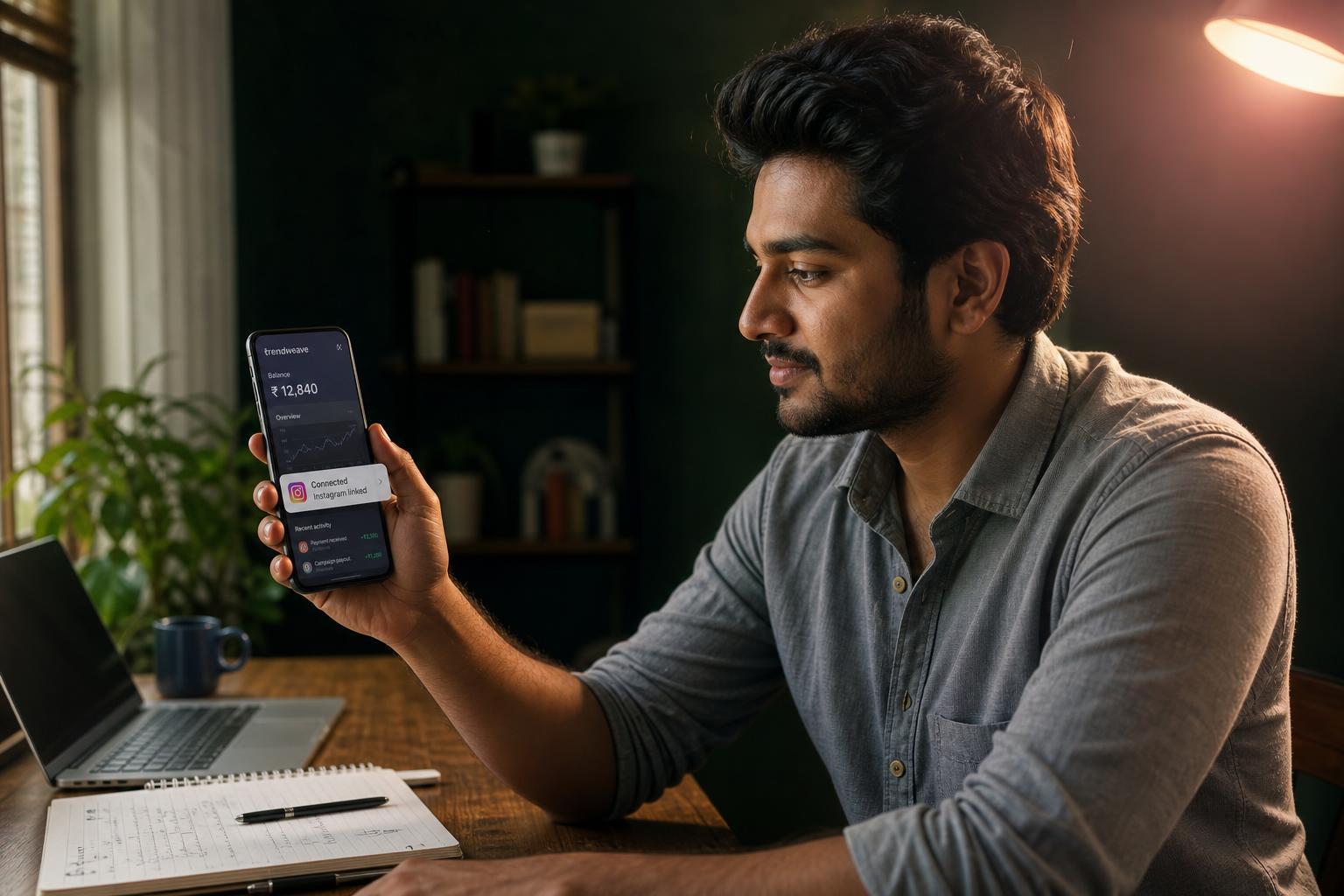
जब तक आप कोई social profile नहीं जोड़ते, Trendweave account बस एक नाम है। जिस पल Instagram link होता है, system आपकी posts देखता है, clicks गिनता है और उन्हें commission में बदलता है। आप Indian fashion creators की active, बढ़ती community में क़दम रख रहे हैं — Trendweave 2025 के अंत से लगातार आगे बढ़ रहा है। इस connection step के बिना आगे कुछ भी काम नहीं करता।
हम OAuth क्यों माँगते हैं, password क्यों नहीं
Trendweave आपका Instagram password कभी store नहीं करता। Connection OAuth से होता है — यही official तरीक़ा है जो Meta third-party apps के लिए देता है। आप Instagram के असली page पर login करते हैं, permissions approve करते हैं, और Trendweave को एक scoped token मिलता है। हम public account metrics देख सकते हैं और comments पर आपकी तरफ़ से जवाब केवल उसी Campaign automation में दे सकते हैं जो आपने set की है (Lesson 3 में ज़्यादा)।
Connect करते ही क्या-क्या खुलता है
Cabinet के चार sections खुल जाते हैं: My posts (यहाँ आप product-links के साथ content publish करते हैं), Brands (commission rates के साथ retailers की list), Campaign (DM auto-replies की setting), Earnings (balance और payouts)। Header में हमेशा current Balance ₹ X दिखता है। आपकी personal public store तुरंत trendweave.com/explore/{username} पर live हो जाती है — अभी खाली है, posts publish करते ही भरने लगेगी।
अगर कुछ ग़लत हो जाए
दो आम errors। 'Session expired' का मतलब अक्सर यही होता है कि आप steps के बीच में फ़ोन पर Instagram से logout हो गए — दोबारा try करें। 'Permission denied' का मतलब है कि approval screen पर कोई checkbox छूट गया; फिर से connect करें और सारी requested permissions accept करें।
एक TW account = एक Instagram
एक Trendweave account ठीक एक Instagram profile से link होता है — यह hard rule है, setting नहीं। अगर आप दो brands चलाते हैं (जैसे fashion और lifestyle), हर एक के लिए अलग TW account चाहिए।
Notifications
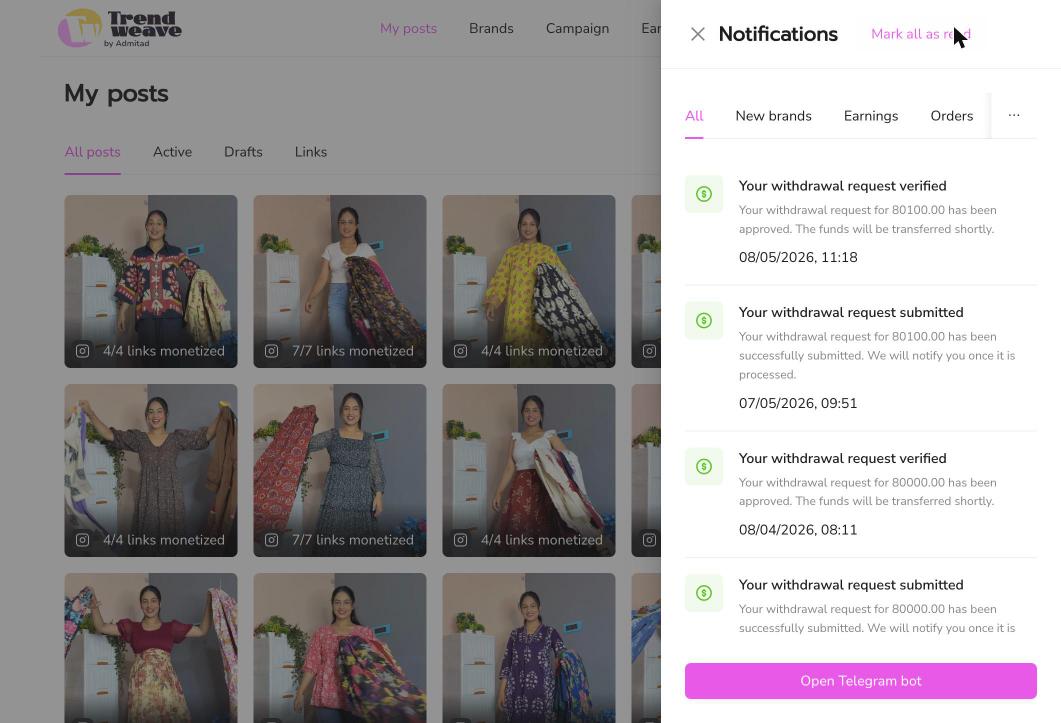
Cabinet के ऊपर right side एक bell है जहाँ नए brands, order status changes और withdrawal events आते हैं। चाहें तो Telegram bot connect कर सकते हैं — वही notifications सीधे Telegram में आ जाएंगी, cabinet खोले बिना।
मुख्य बात: OAuth एक click है जो बाक़ी सब unlock कर देता है। अभी 30 second दीजिये; यह आपकी link पर पहली click पर ही चुक जाएगा।
अगला कदम: Trendweave में sign in करें, OAuth से Instagram confirm करें और Store link Instagram bio में डालें। उसके बाद Lesson 2 पर जाएँ — समझेंगे कि earnings कैसे होती हैं।
- सीखने का परिणाम
- आपने अपना social account जोड़ा और सिस्टम ने उसे पहचान लिया।
- ऐप में कदम
- Connect at least one social account via OAuth.
- सफलता मापदंड
- 100% of lesson-completers connect successfully.
- अनलॉक / पुरस्कार
- DM automation lesson opens.
- फ़ॉर्मेट
- 3-min video + in-app tour.
पाठ्यक्रम की शुरुआत
अगला पाठ
Stage 1 — First Earnings
Trendweave में कमाई कैसे होती है