
Sign up & connect Instagram
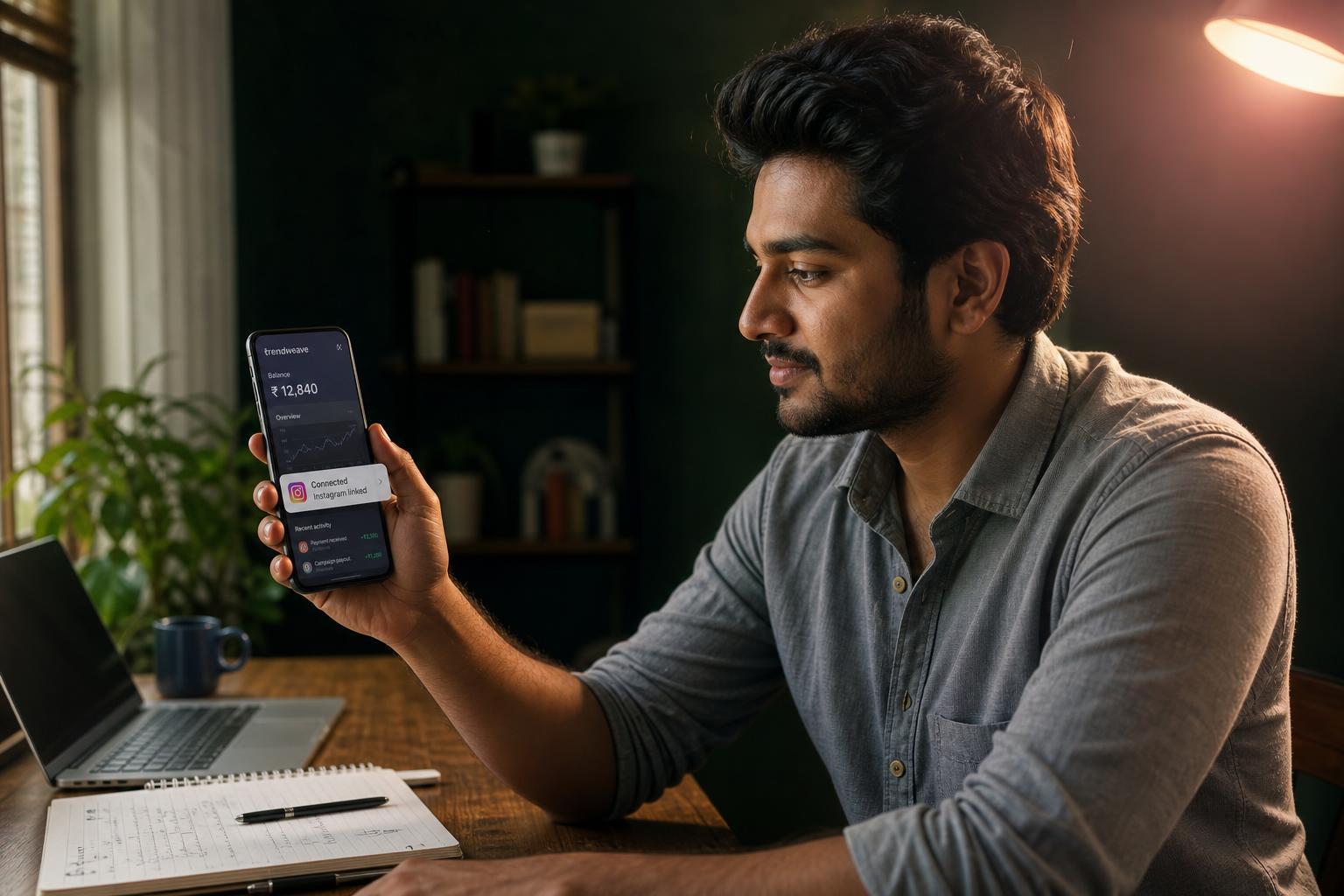
Your Trendweave account is just a name until you connect a social profile. The moment Instagram is linked, the system sees your posts, counts clicks, and turns them into commission. You're stepping into an active, growing community of Indian fashion creators — Trendweave has been picking up steam since late 2025. Nothing else works without this connection step.
Why OAuth, not a password
Trendweave never stores your Instagram password. Connection happens through OAuth — the official third-party login flow Meta provides. You log in on Instagram's real page, approve the permissions, and Trendweave receives a scoped token. We see public account metrics and can reply to comments on your behalf only inside the Campaign automation you've set up (more in Lesson 3).
What unlocks right after connecting
You get access to four cabinet sections: My posts (publish content with product-links), Brands (retailers with commission rates), Campaign (DM auto-replies), and Earnings (balance and payouts). The header always shows your current Balance ₹ X. Your public store goes live at trendweave.com/explore/{username} — empty for now, it fills up as you publish posts.
If something goes wrong
Two common errors. 'Session expired' usually means you logged out of Instagram on your phone between steps — just retry. 'Permission denied' means a checkbox got skipped on the consent screen; reconnect and accept every requested permission.
One TW account = one Instagram
A Trendweave account links to exactly one Instagram profile — a hard rule, not a setting. If you run two brands (say, fashion and lifestyle), you'll need a separate TW account for each.
Notifications
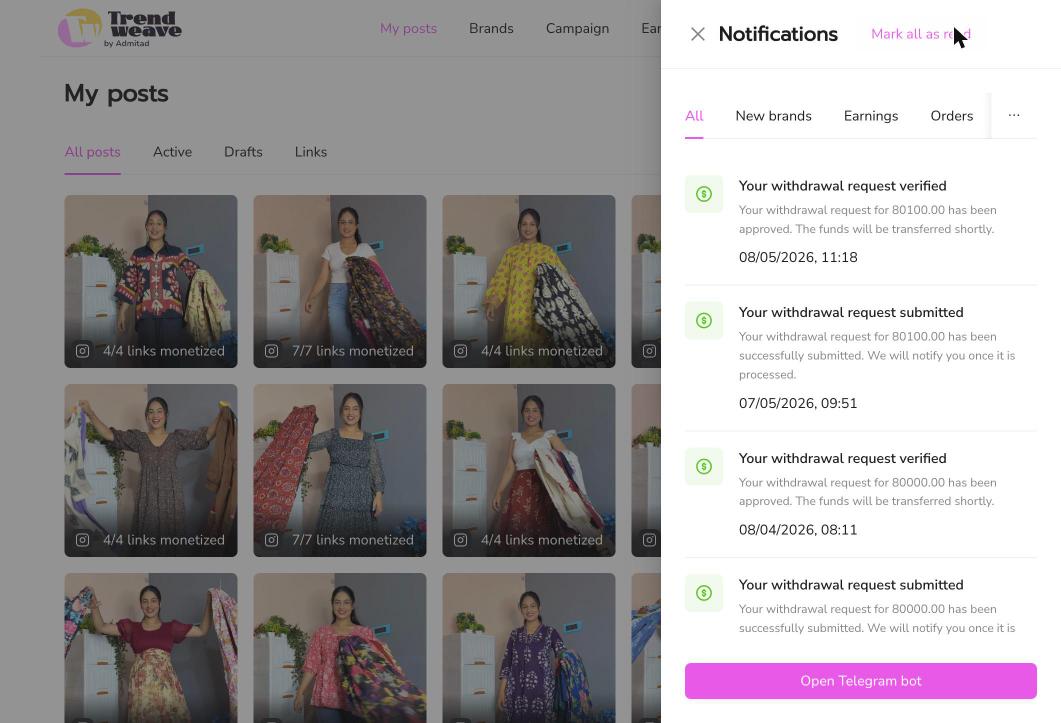
Top-right in the cabinet there's a bell with new-brand alerts, order-status changes, and withdrawal events. Optionally, connect the Telegram bot to receive the same notifications directly in Telegram, without opening the cabinet.
Key takeaway: OAuth is one click that unlocks everything else. Spend 30 seconds now; it pays off the first time someone clicks your link.
Next step: Sign into Trendweave, confirm Instagram via OAuth, and place your Store link in your Instagram bio. Then move on to Lesson 2 to understand how earnings actually work.
- Learning outcome
- You've connected a social account and the system recognises it.
- Action in product
- Connect at least one social account via OAuth.
- Success metric
- 100% of lesson-completers connect successfully.
- Unlock / Reward
- DM automation lesson opens.
- Format
- 3-min video + in-app tour.