Scout Program rules
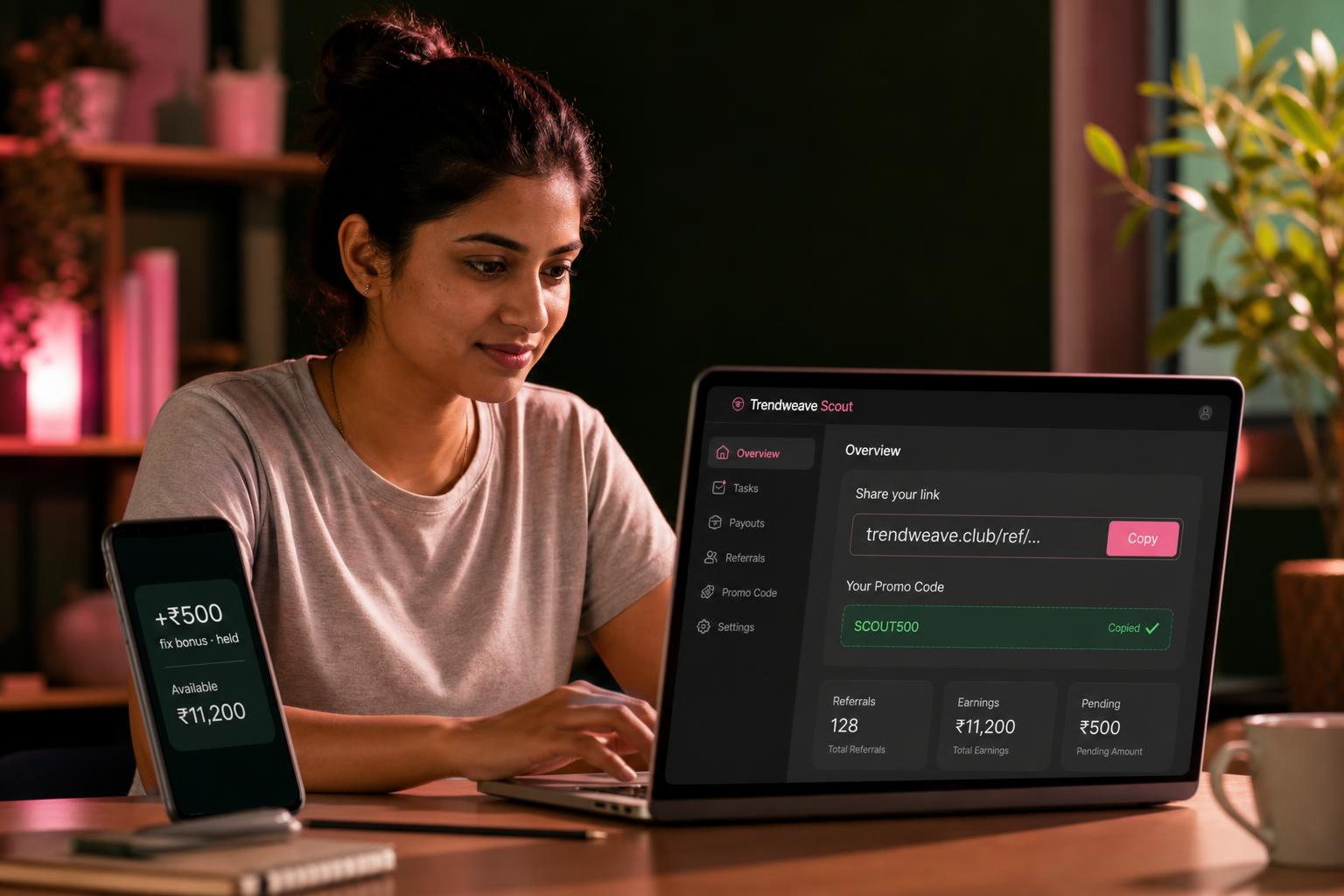
Scout Program is Trendweave's partner programme where your earnings are built on other people's success. You find fashion / beauty / lifestyle / tech / food creators on Instagram, bring them in through your link or promo code — and earn from their sales. You don't make content — you connect the right people with the platform.
The two-step economy
A scout's earnings come in two parts. Fix bonus — a fixed amount for the first activation of a creator you brought (default ₹500). Revenue share — a percentage of every following sale by that creator (default 5%) — for 12 months by default, longer by individual agreement. Both the fix and the rev share are defaults, not hardcoded: individual scouts and even individual scout-creator pairs can have different terms.
How you share
The Scout section of the cabinet gives you two tools: a personal share-link (trendweave.club/ref/{your-ID}) and a promo code (alphanumeric). Both lead to a registration tied to you. Share both: some people click the link, others prefer to type the code in manually during signup.
Who you can recruit
Not anyone with an Instagram account. A creator must have 500+ Instagram followers, a Business account (a personal profile won't work), and a public, active account — at least 1 post in the last 30 days. Suitable niches: fashion, beauty, lifestyle, tech, food. Geo: India, priority on metros and Tier II cities.
What the Scout dashboard shows
Every creator you brought is shown separately: email, registration date, status (Active / Registration complete / Period ended), how many clicks and DM messages they generated, their Creator GMV, your Fix commission and your Revenue share from them. Up top, summary cards: Registered, Created posts, Earning, Total earned, Ready to withdraw.
Minimum withdrawal
Same as for a creator — `₹2,000` on the first payout. Below that threshold the Request withdrawal button stays inactive.
Key takeaway: Scout earnings build in two steps: an activation bonus plus a long tail of revenue share from sales. Both depend not on how many creators you brought, but which ones.
Next step: Open the Scout section of the cabinet, copy your share-link and promo code. Lesson 5 covers the economics in detail — go through it before you start inviting.
- Learning outcome
- You understand the two-step economy, who you can recruit, and what the Scout dashboard tracks.
- Action in product
- Open the Scout section and copy your share-link and promo code.
- Success metric
- Share-link and promo code copied.
- Unlock / Reward
- Lesson 5 — Scout economics in detail.
- Format
- Video + walkthrough.